{{deviceBrand}}
{{deviceModel}}

{{submittedDetailsLabel}}
- {{interestedInLabel}}
- {{data.find(item => item.fieldName === 'IM_INTERESTED_IN' ).fieldValue}}
- {{salutationLabel}}
- {{data.find(item => item.fieldName === 'SALUTATION' ).fieldValue}}
- {{fullNameLabel}}
- {{data.find(item => item.fieldName === 'NAME' ).fieldValue}}
- {{idTypeLabel}}
- {{data.find(item => item.fieldName === 'ID_TYPE' ).fieldValue}}
- {{idNumberLabel}}
- {{data.find(item => item.fieldName === 'ID_NO' ).fieldValue}}
- {{mobileNumberLabel}}
- {{data.find(item => item.fieldName === 'PHONE_NO' ).fieldValue}}
- {{emailAddressLabel}}
- {{data.find(item => item.fieldName === 'EMAIL' ).fieldValue}}
- {{adresssLineLabel}}
- {{data.find(item => item.fieldName === 'ADDRESS_LINE' ).fieldValue}}
- {{postcodeLabel}}
- {{data.find(item => item.fieldName === 'POSTCODE' ).fieldValue}}
- {{stateLabel}}
- {{data.find(item => item.fieldName === 'STATE' ).fieldValue}}
- {{cityLabel}}
- {{data.find(item => item.fieldName === 'CITY' ).fieldValue}}
{{yourSelectedPlanLabel}}
- {{broadbandPlanLabel}}
- {{data.find(item => item.fieldName === 'BROADBAND_PLAN' )?.fieldValue}}
- {{selectedPostpaidOptionPlanLabel}}
- {{selectedPostpaidOptionPlan}}
- {{monthlyFeeLabel}}
- {{data.find(item => item.fieldName === 'MONTHLY_FEE' )?.fieldValue}}
{{personalDetailsFormLabel}}
- {{salutationLabel}}
- {{data.find(item => item.fieldName === 'SALUTATION' )?.fieldValue}}
- {{fullNameLabel}}
- {{data.find(item => item.fieldName === 'NAME' )?.fieldValue}}
- {{idTypeLabel}}
- {{data.find(item => item.fieldName === 'ID_TYPE' )?.fieldValue}}
- {{idNumberLabel}}
- {{data.find(item => item.fieldName === 'ID_NO' )?.fieldValue}}
- {{mobileNumberLabel}}
- {{data.find(item => item.fieldName === 'PHONE_NO' )?.fieldValue}}
- {{emailAddressLabel}}
- {{data.find(item => item.fieldName === 'EMAIL' )?.fieldValue}}
{{installationAddressFormLabel}}
- {{installationBuildingNameLabel}}
- {{data.find(item => item.fieldName === 'INSTALLATION_BUILDING_NAME' )?.fieldValue}}
- {{installationUnitBlockLabel}}
- {{data.find(item => item.fieldName === 'INSTALLATION_BLOCK_NUMBER' )?.fieldValue}}
- {{installationUnitNumberLabel}}
- {{data.find(item => item.fieldName === 'INSTALLATION_UNIT_NUMBER' )?.fieldValue}}
- {{installationAddressLineLabel}}
- {{data.find(item => item.fieldName === 'INSTALLATION_ADDRESS_LINE' )?.fieldValue}}
- {{installationPostcodeLabel}}
- {{data.find(item => item.fieldName === 'INSTALLATION_POSTCODE' )?.fieldValue}}
- {{installationStateLabel}}
- {{data.find(item => item.fieldName === 'INSTALLATION_STATE' )?.fieldValue}}
- {{installationCityLabel}}
- {{data.find(item => item.fieldName === 'INSTALLATION_CITY' )?.fieldValue}}
- {{installationServiceProviderLabel}}
- {{data.find(item => item.fieldName === 'SERVICE_PROVIDER' )?.fieldValue}}
{{registrationAddressFormLabel}}
- {{registrationBuildingNameLabel}}
- {{data.find(item => item.fieldName === 'REGISTRATION_BUILDING_NAME' )?.fieldValue}}
- {{registrationUnitBlockLabel}}
- {{data.find(item => item.fieldName === 'REGISTRATION_BLOCK_NUMBER' )?.fieldValue}}
- {{registrationUnitNumberLabel}}
- {{data.find(item => item.fieldName === 'REGISTRATION_UNIT_NUMBER' )?.fieldValue}}
- {{registrationAddressLineLabel}}
- {{data.find(item => item.fieldName === 'REGISTRATION_ADDRESS_LINE' )?.fieldValue}}
- {{registrationPostcodeLabel}}
- {{data.find(item => item.fieldName === 'REGISTRATION_POSTCODE' )?.fieldValue}}
- {{registrationStateLabel}}
- {{data.find(item => item.fieldName === 'REGISTRATION_STATE' )?.fieldValue}}
- {{registrationCityLabel}}
- {{data.find(item => item.fieldName === 'REGISTRATION_CITY' )?.fieldValue}}
- {{registrationServiceProviderLabel}}
- {{data.find(item => item.fieldName === 'SERVICE_PROVIDER' )?.fieldValue}}
A New Way for U To Get Connected
An eSIM is an embedded SIM that’s built into a tiny chip within your device. With eSIM, you no longer need a physical SIM card to use data or make calls. Simply scan a QR code & activate your eSIM to get connected to our U Mobile network.
Seamlessly Switch Between Lines
Dual SIM Flexibility, One Device
Activation Made Easy
Get an eSIM Your Way
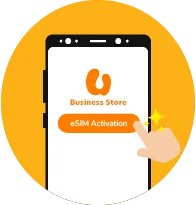
Step 2
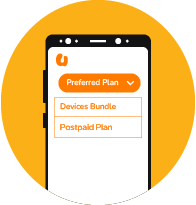
Select your preferred plan (Device Bundle, Plan Purchase or Switch to U) to get your new eSIM.
Step 3
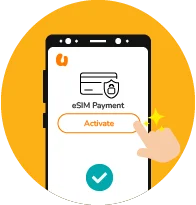
Proceed with the checkout process and complete the payment if any.
Step 4
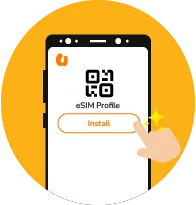
Once the payment is confirmed and the order is completed, you can retrieve your eSIM QR code via the email received or through the U Business Store.
Get Connected with an eSIM
Step 1
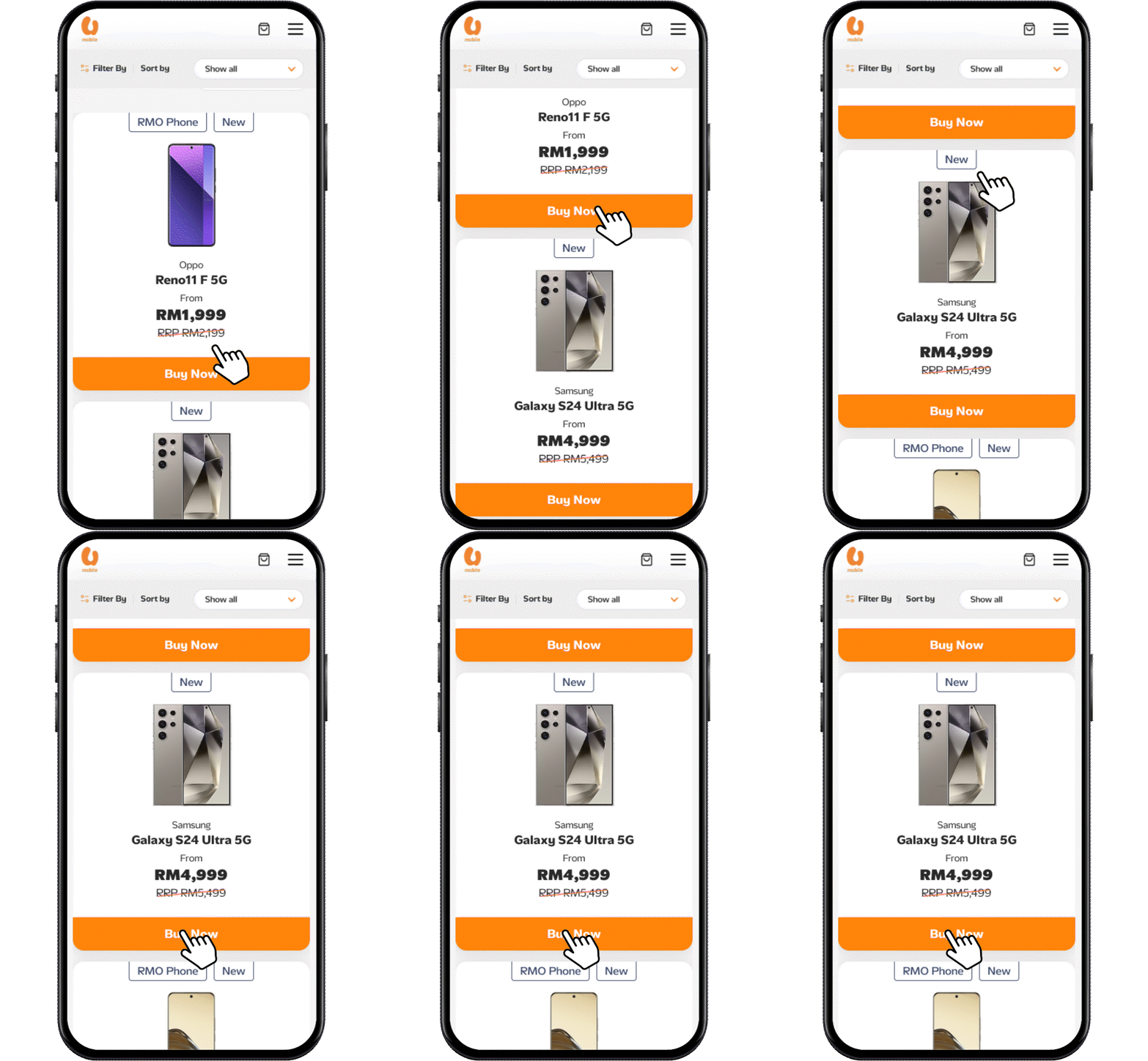
Select your desired eSIM-compatible device here.
Step 2
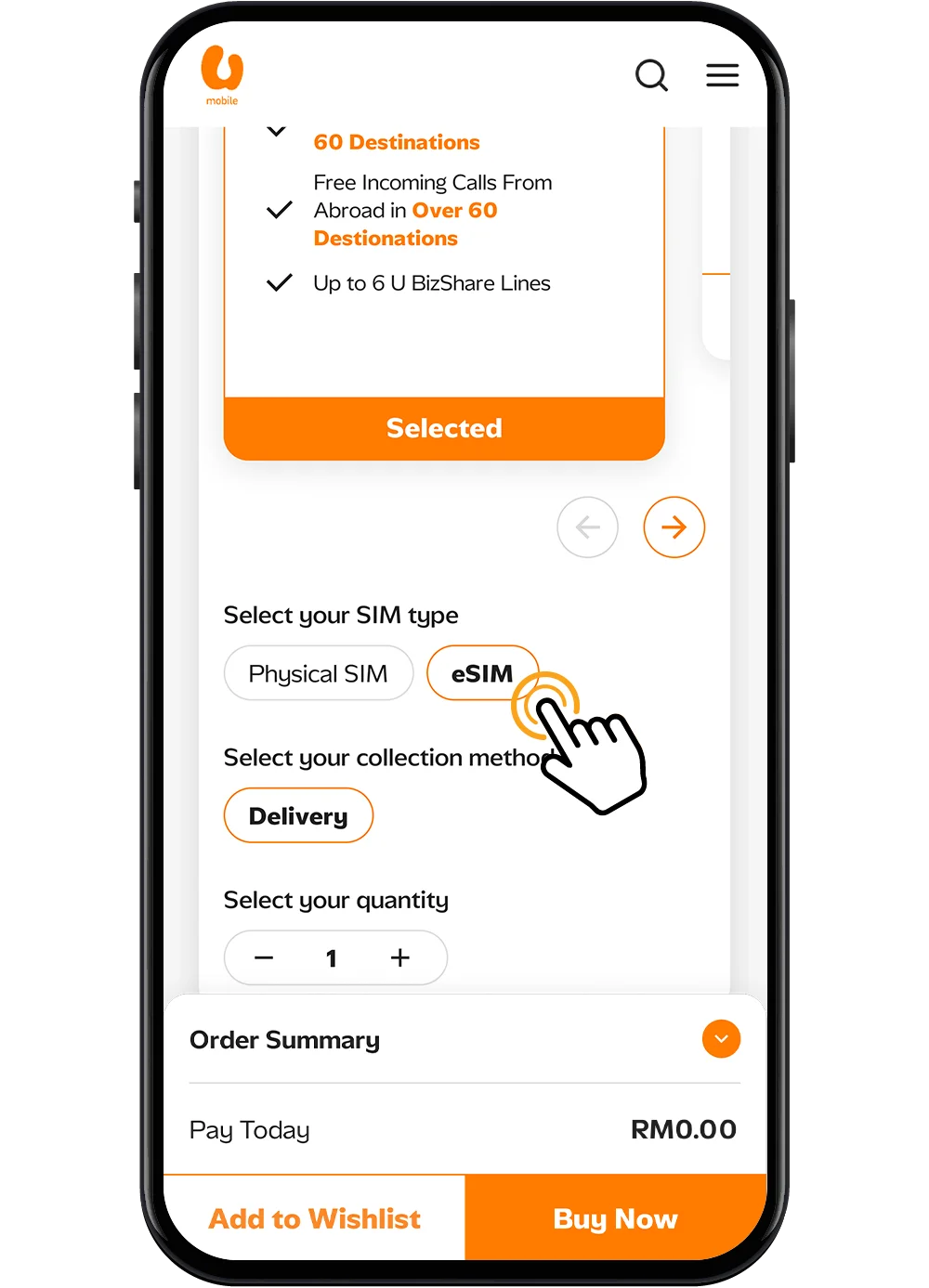
Choose eSIM as your preferred SIM type.
Step 3
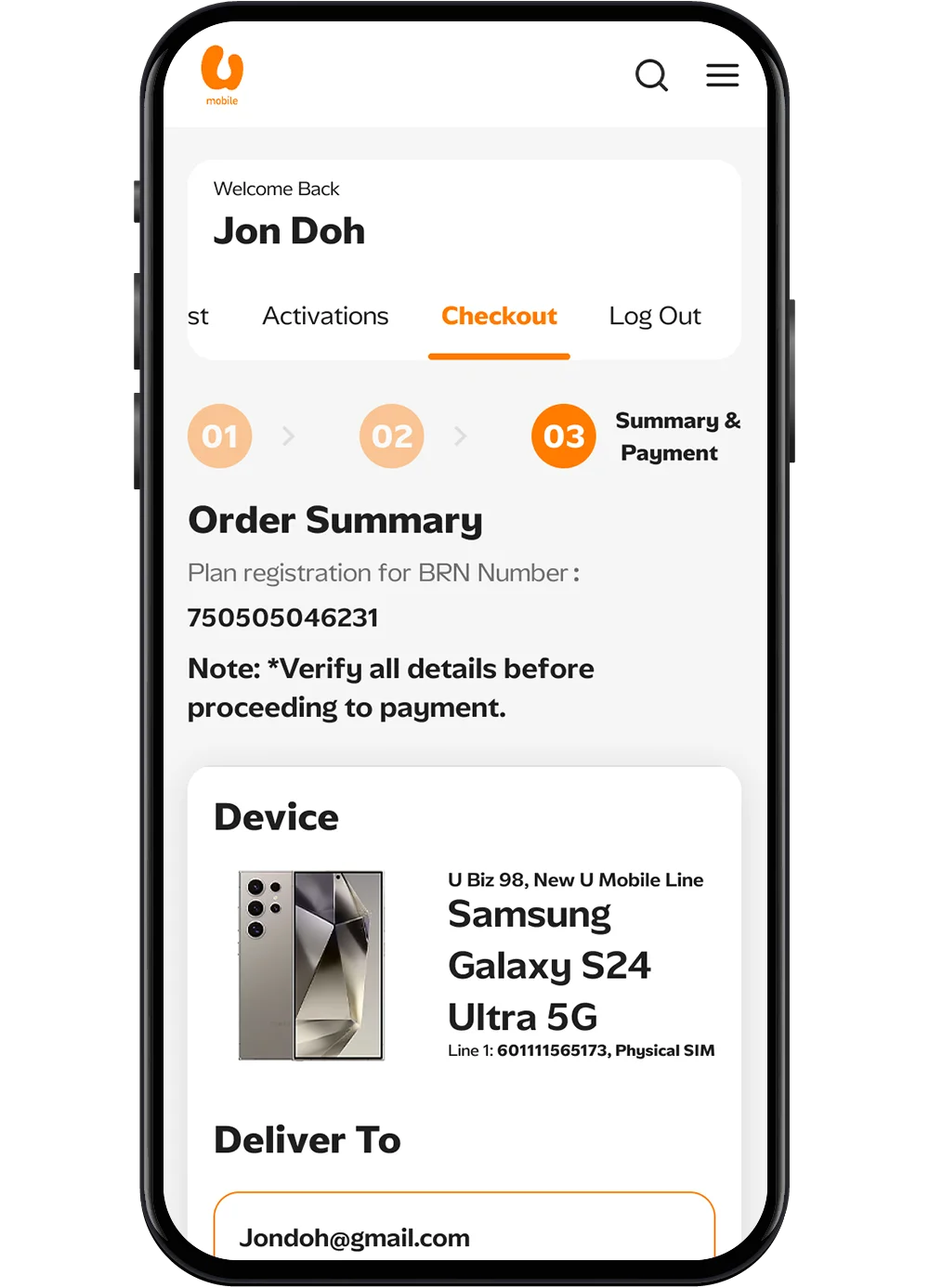
Complete your checkout and you’ll receive your eSIM Activation Code.
Click Activate eSIM Code to learn how to activate it. Please make sure you’re using the device where you want the eSIM installed.
Step 1
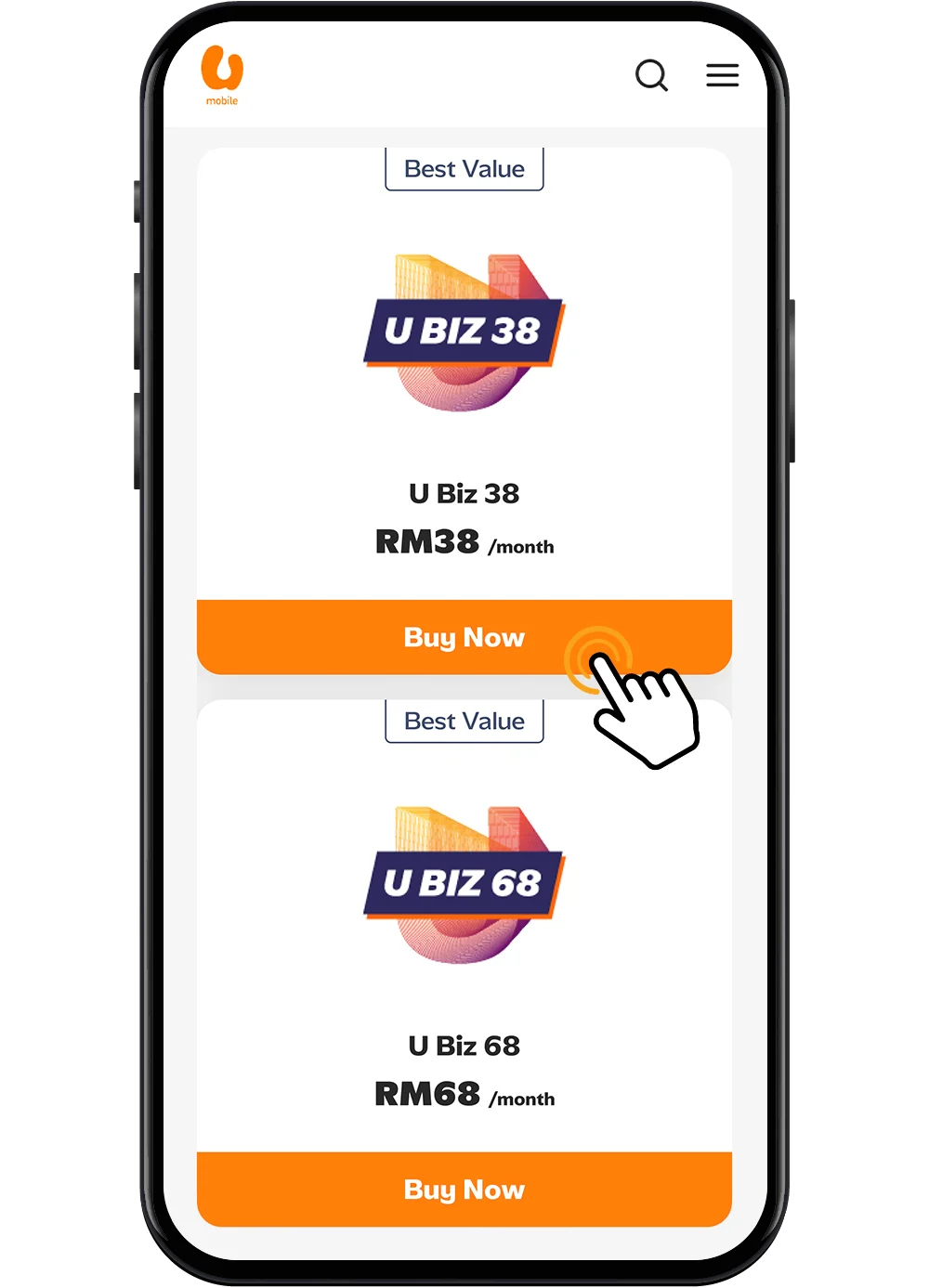
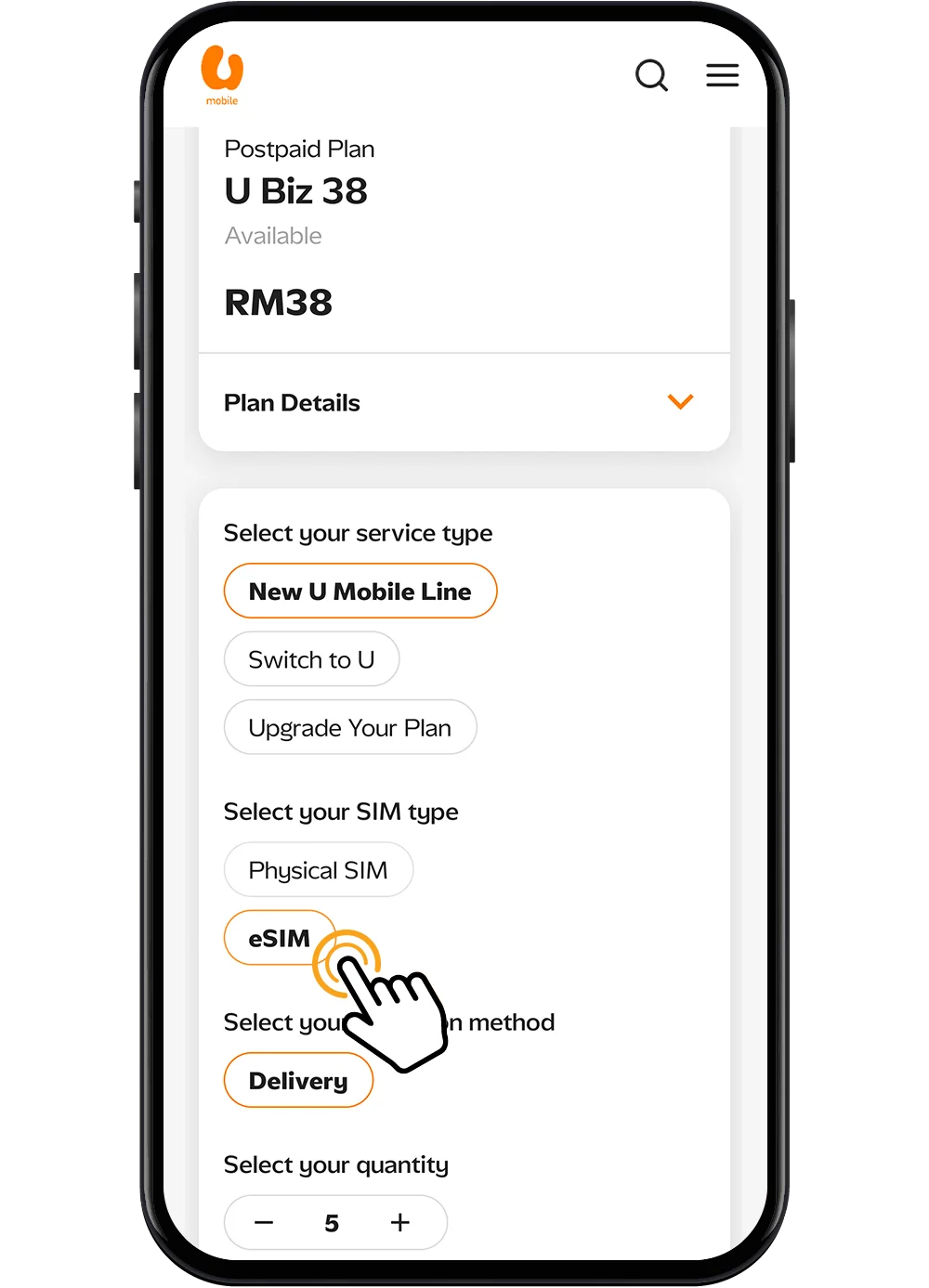
Visit U Business Store and select your preferred U Biz Postpaid Plan.
Step 2
Choose eSIM as your preferred SIM type.
Step 3
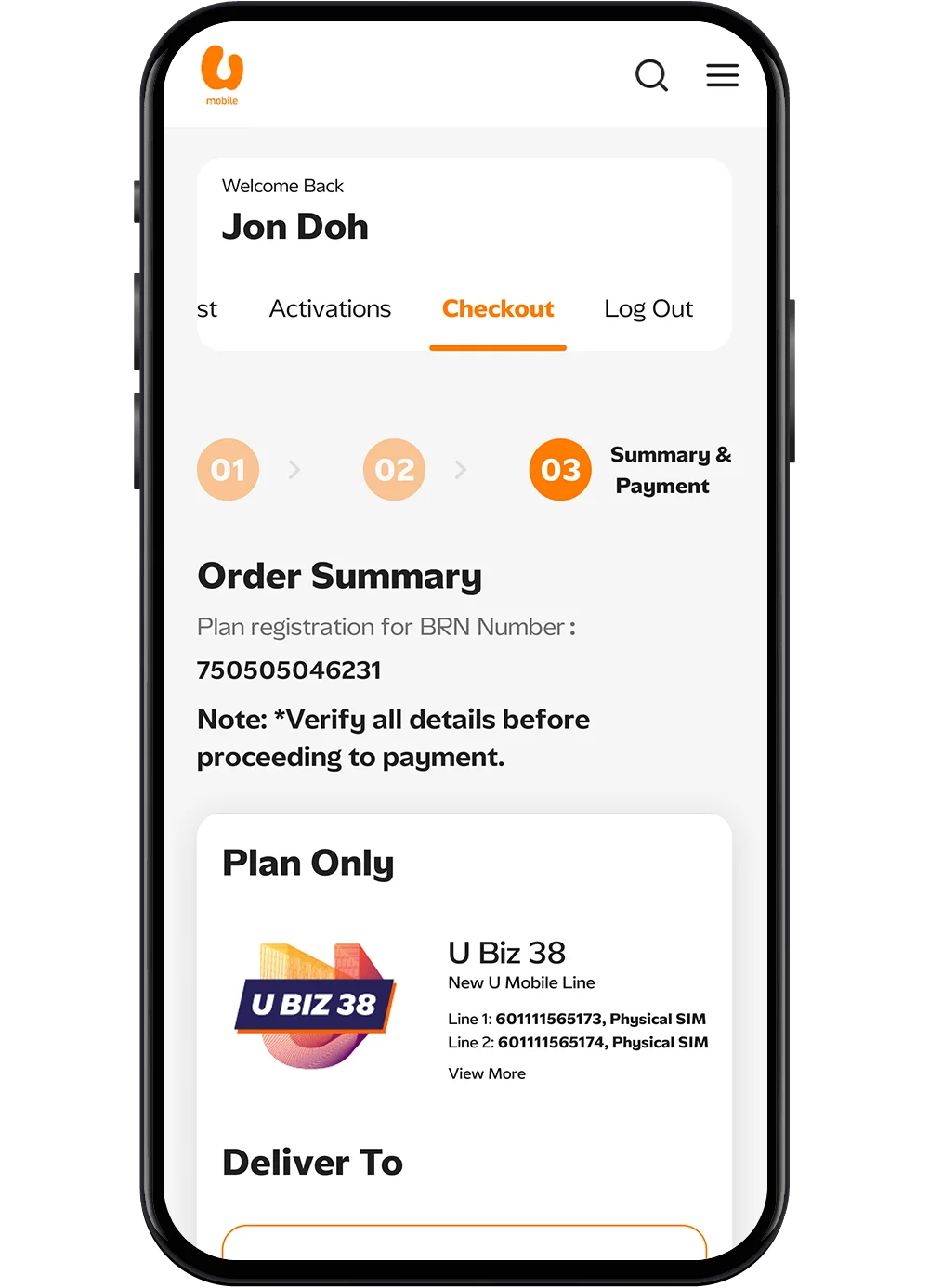
Complete the checkout process and get your eSIM QR Code delivered via email.
Alternatively, you can access the U Business Store, go to the Order History tab, and select the corresponding order to find your eSIM QR code.
Step 1
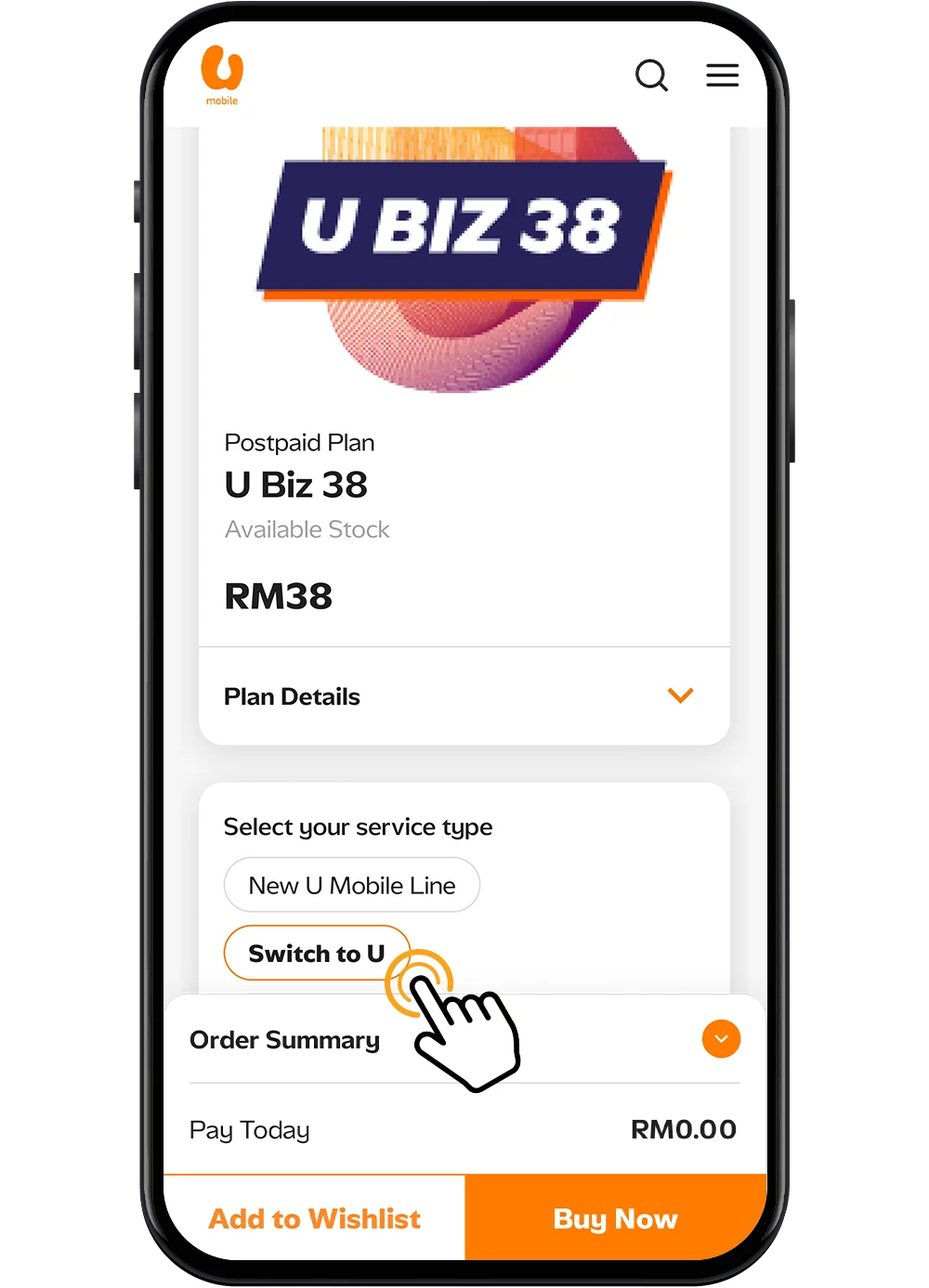
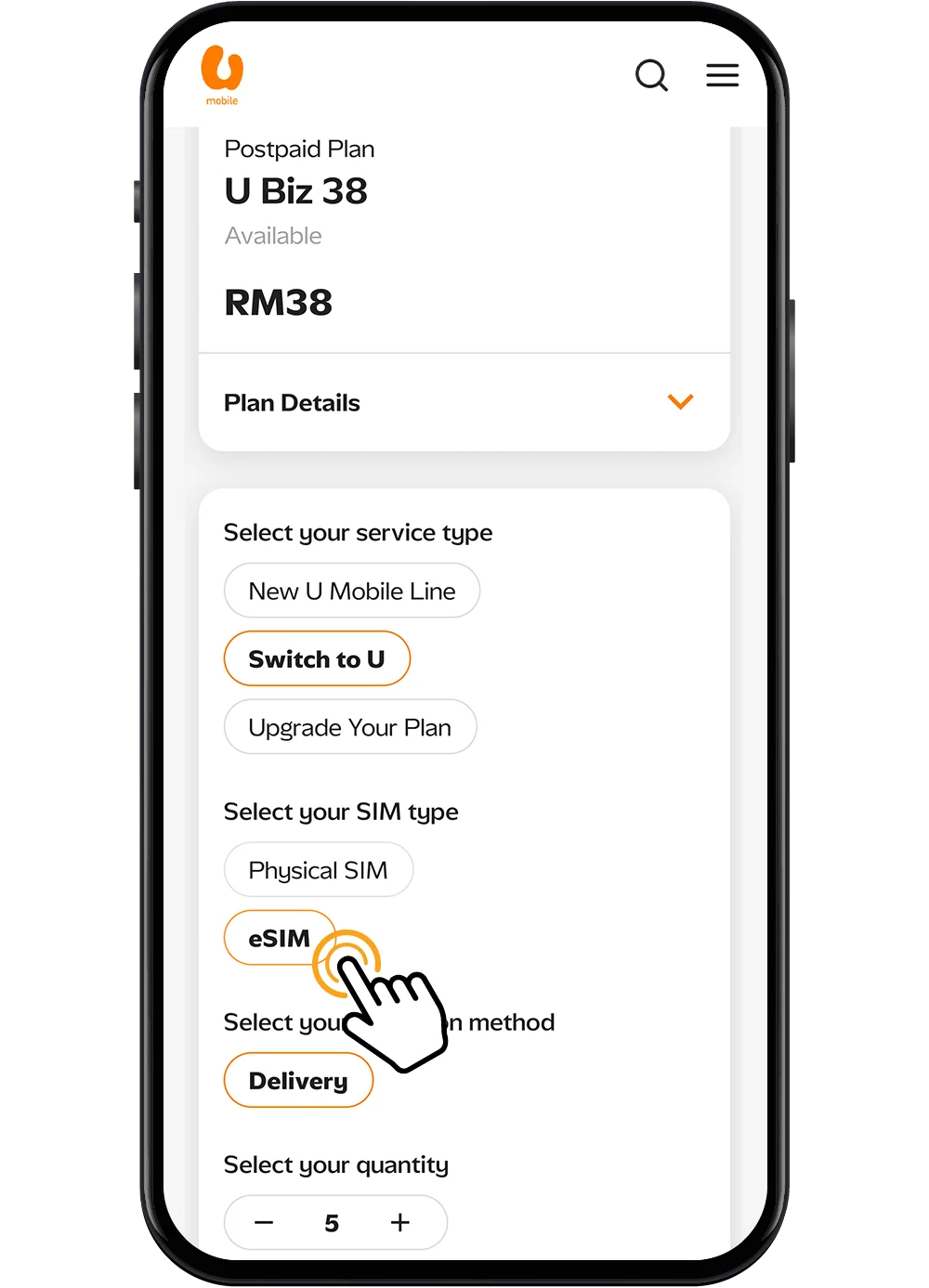
Visit our U Business Store, choose your desired plan, and select Switch to U to begin the port-in process.
Step 2
Choose eSIM as your preferred SIM type.
Step 3
You will receive the eSIM QR Code via your email. Scan the QR Code to activate your eSIM and complete the port-in process.
Alternatively, you can access the U Business Store, go to the Order History tab, and select the corresponding order to find your eSIM QR code.
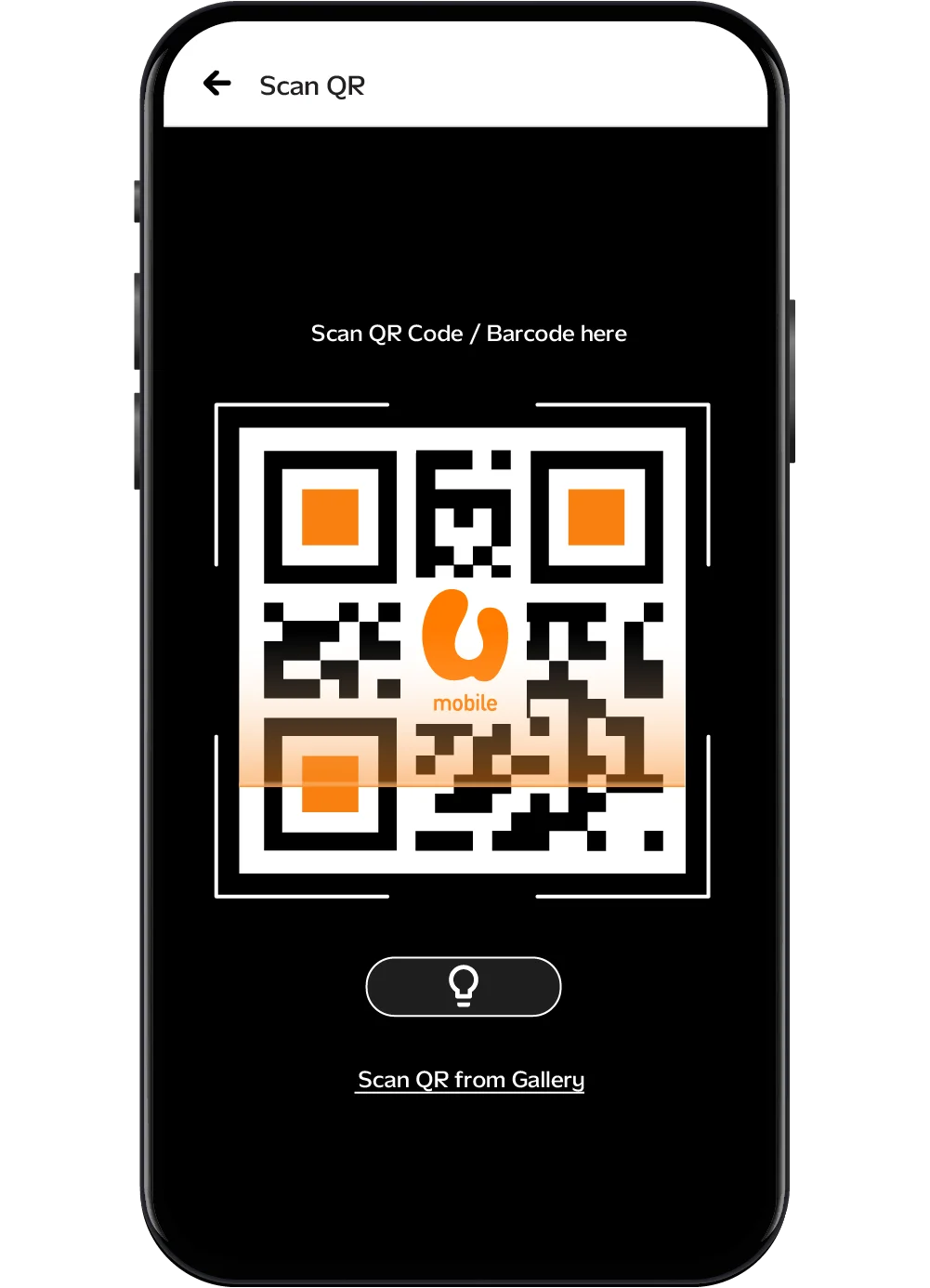
Activate Your eSIM
Step 1
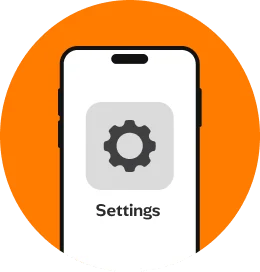
Connect to a WiFi network and go to your iPhone Settings.
Step 2
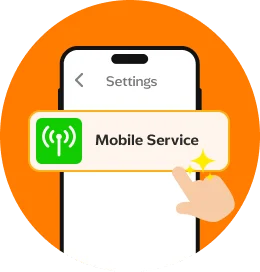
Tap on Mobile Service.
Step 3
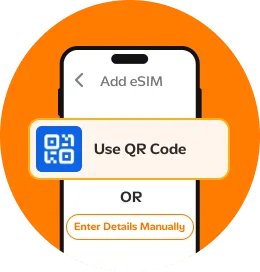
Tap on Add eSIM and choose to Use QR Code or Enter Details Manually if available.
Step 4
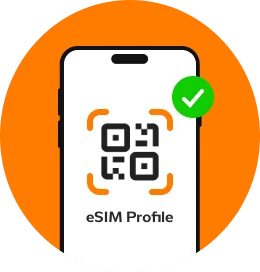
Scan the unique QR code or follow the on-screen instructions to install your eSIM profile. And you're all set.
Step 1
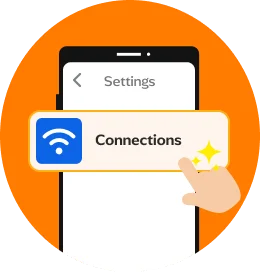
Go to your Settings and tap on Connections.
Step 2
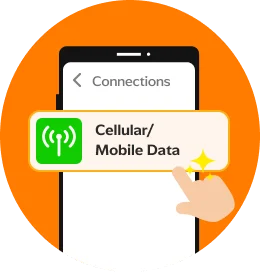
Tap on Cellular or Mobile Data.
Step 3
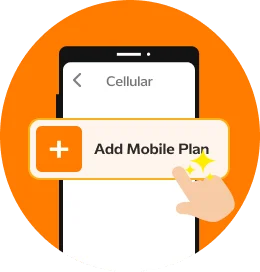
Select Add Mobile Plan.
Step 4
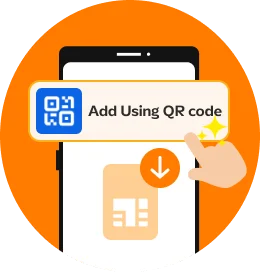
If no plan can be found, select Add Using QR code or look for the Download eSIM option based on your device prompts.
Step 5
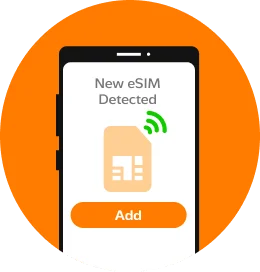
Once the plan has been detected, tap Add to download and install the plan.
Step 6
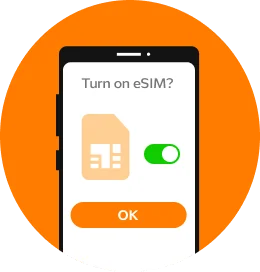
Select OK to turn on the plan.
Step 7
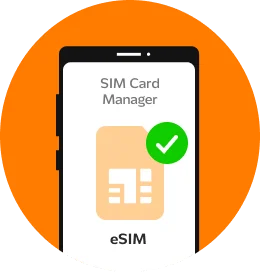
Once the setup and activation is complete, your eSIM will appear on your SIM Card Manager.
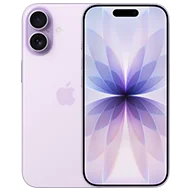
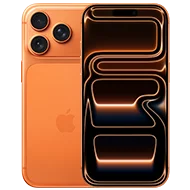
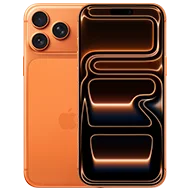
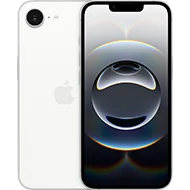
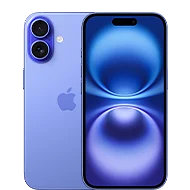
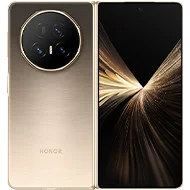
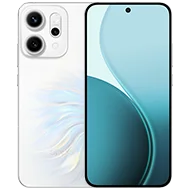
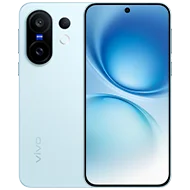
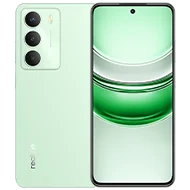
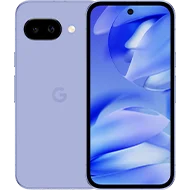
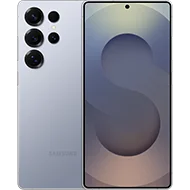
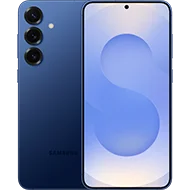
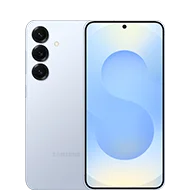
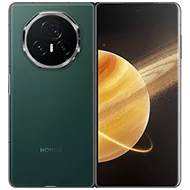
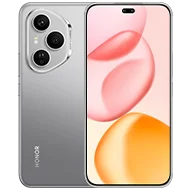
eSIM is Compatible with the Latest Devices!


Frequently Asked Questions
eSIM is an embedded SIM that is built into a tiny chip within the device which allows it to download and install U Mobile’s profile. With eSIM, you no longer need a physical SIM Card to make calls, SMS and use data.
All existing subscribers and newly registered U Mobile Postpaid customers are eligible for U Mobile eSIM.
If you are an existing subscriber (Postpaid/ Prepaid), you can visit your nearest U Mobile Store and request for SIM Replacement to replace your Physical SIM with an eSIM.
For SIM replacement, prevailing charges applies.
There are no charges for newly registered U Mobile postpaid customers. But for eSIM replacements, there will be a charge of RM10.
Get in Touch with Us Today!

Speak to our representative

Contact Us