Stay Connected, Even When Travelling
Get full speed abroad with our best roaming passes included with your plan, or get any of these add-ons.
BEST FOR FAMILY
ULTRA Family 128
FREE 15GB
Shareable for 4 lines
RM128 /month
-
FREE 15GB Global Roaming in Over 60 Destinations
-
FREE Incoming Calls From Abroad in Over 60 Destinations
-
Shareable For All Lines
BEST FOR TRAVELLER
ULTRA Global 98
FREE 15GB
RM98 /month
-
-
BEST FOR HEAVY USER
ULTRA Postpaid 68
FREE 15GB
RM68 /month
-
-
BEST FOR HEAVY USER
ULTRA Postpaid Borneo 68
FREE 15GB
RM68 /month
-
-
BEST FOR CASUAL USER
ULTRA Postpaid Borneo 38
FREE 5GB
RM38 /month
-
3 Days
Unlimited Data from RM50
-
RM50/6GB in Over 60 Destinations
-
RM50/3GB in Over 5 Destinations
-
RM60/1.5GB in Over 5 Destinations
5 Days
Unlimited Data from RM35
-
RM35/10GB in SG, ID, TH
7 Days
Unlimited Data from RM60
-
RM60/14GB in Over 60 Destinations
-
RM95/7GB in Over 5 Destinations
14 Days
Unlimited Data from RM115
-
RM115/28GB in Over 60 Destinations
30 Days
Unlimited Data from RM145
-
RM145/60GB in Over 60 Destinations
Where are you travelling to?
Unable to load rates. Please check your connection and try again.
*5G Roaming is available in selected destinations.
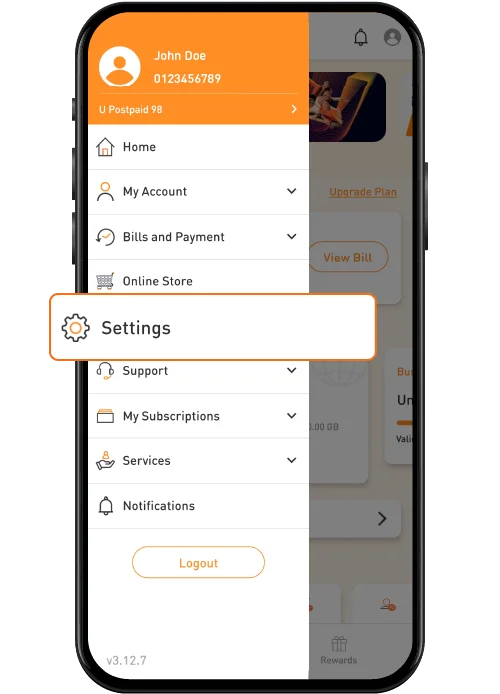
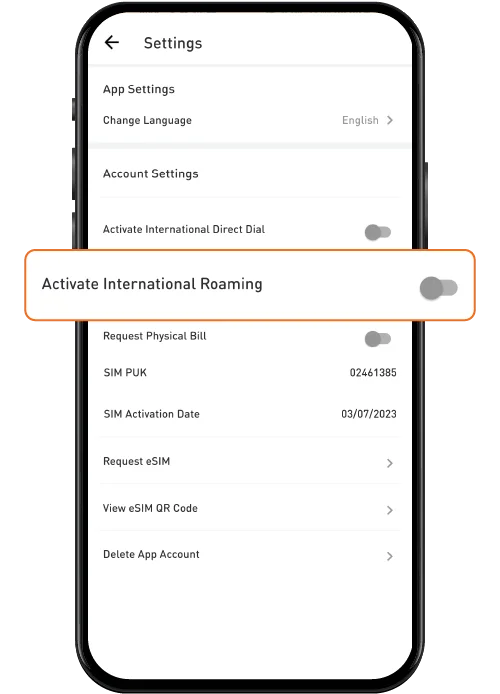
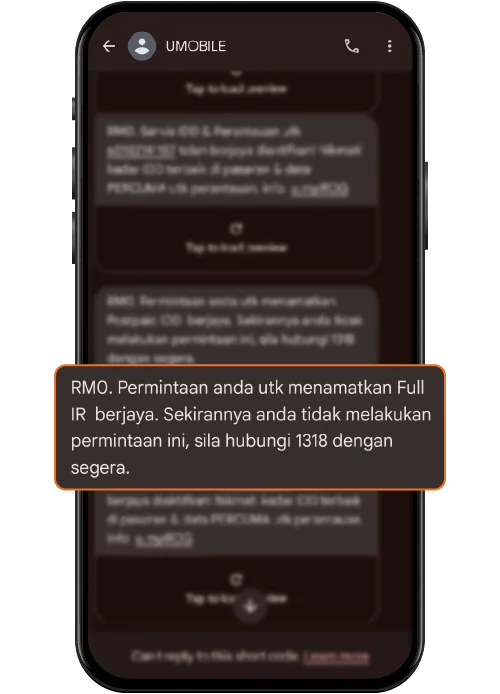
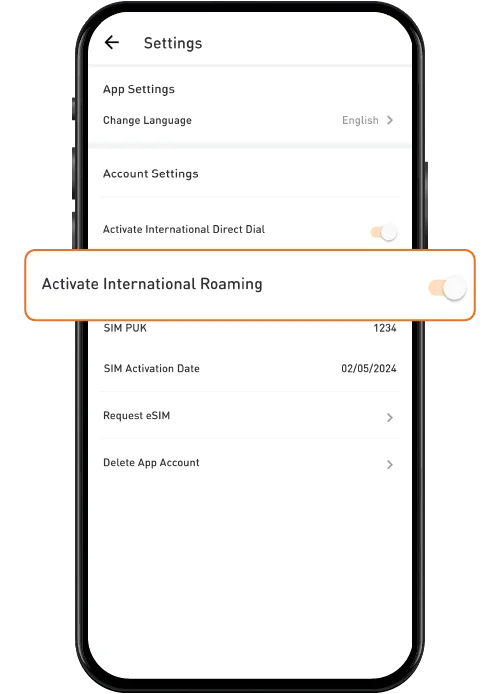
Roam Overseas with These Simple Steps
No SIM Swap. No Extra Device.
No SIM Swap.
No Extra Device.
See how U Mobile roaming compares.
Overseas Careline Call
If you’re using an iPhone, turn off iCloud Backup over mobile data to prevent excessive roaming data usage
More Services
Frequently Asked Questions
Multi-Day Roaming
ULTRA Postpaid Roaming
International Roaming
Before Departure
What are the available Multi-Day Roaming Passes?
Which destinations are eligible for the Roaming Passes & Roaming Add-Ons?
Are there any charges for voice calls and SMS while roaming?